

Simulations and modules
Open one account,
try the modules
CAD, CNC / CAM, simulations, quality control, special processes and AI-assisted ERP in the same account. No installation, runs in the browser.
Open an account, try it now →With your e-mail address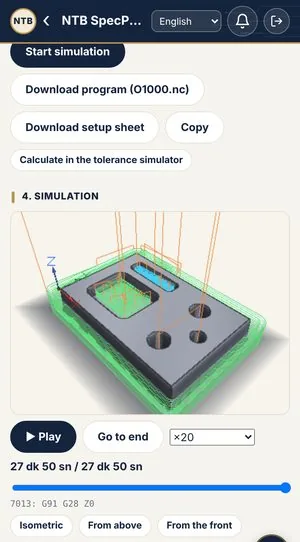
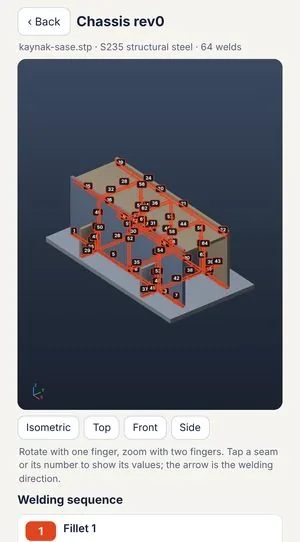
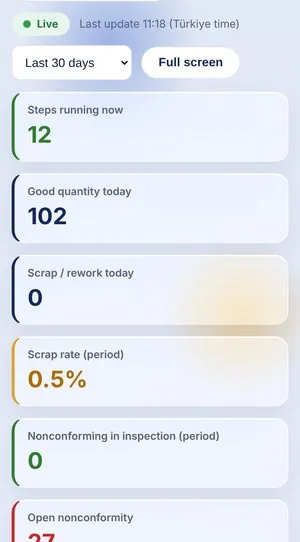
Modules shown with a phone screen also open in the phone browser. CAD needs a computer screen.
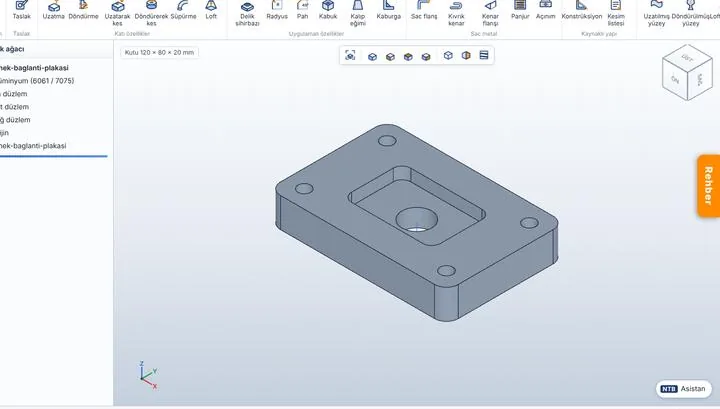
CAD
Draw the part by typing dimensions, or upload a technical drawing and NTB Assistant builds the 3D part (1 ntb per page); check the dimensions. Build the assembly and send it to a simulator.
Open an account, try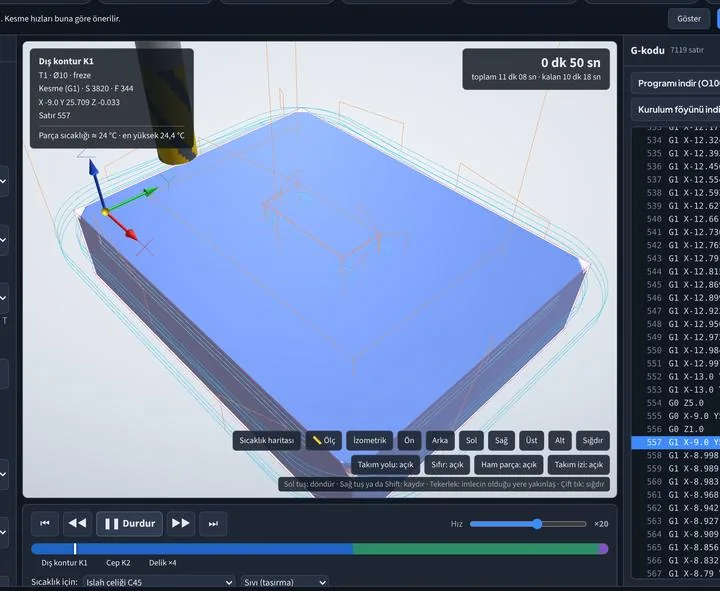
CNC / CAM
Writes the CNC program from the drawing (DXF / STEP) and plays the G-code in 3D; see collision and excessive cut warnings before going to the machine.
Open an account, try View →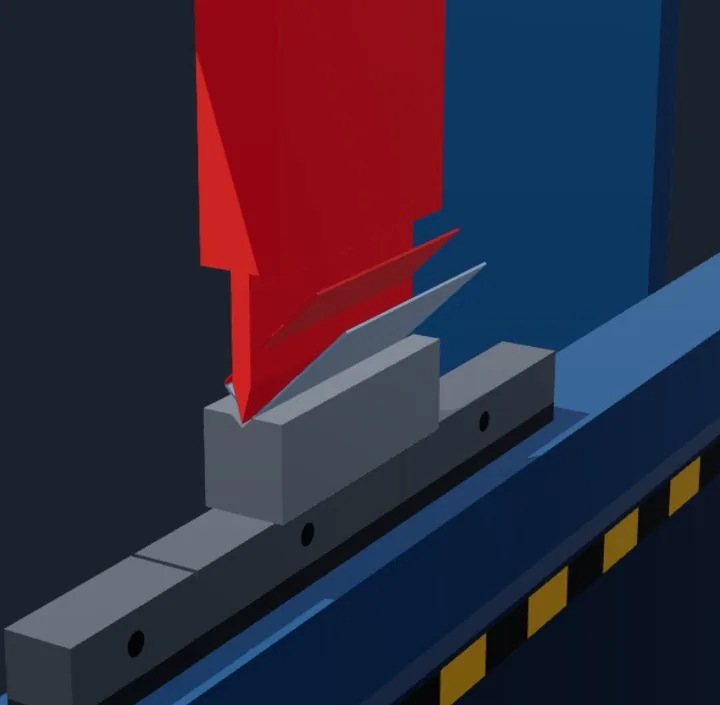
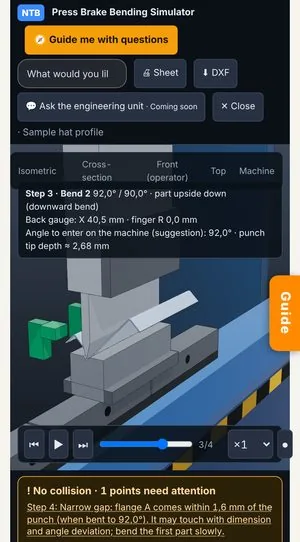
Press brake
Flat pattern from a STEP file, bend sequence and step-by-step collision check on a 3D machine.
Open an account, try View →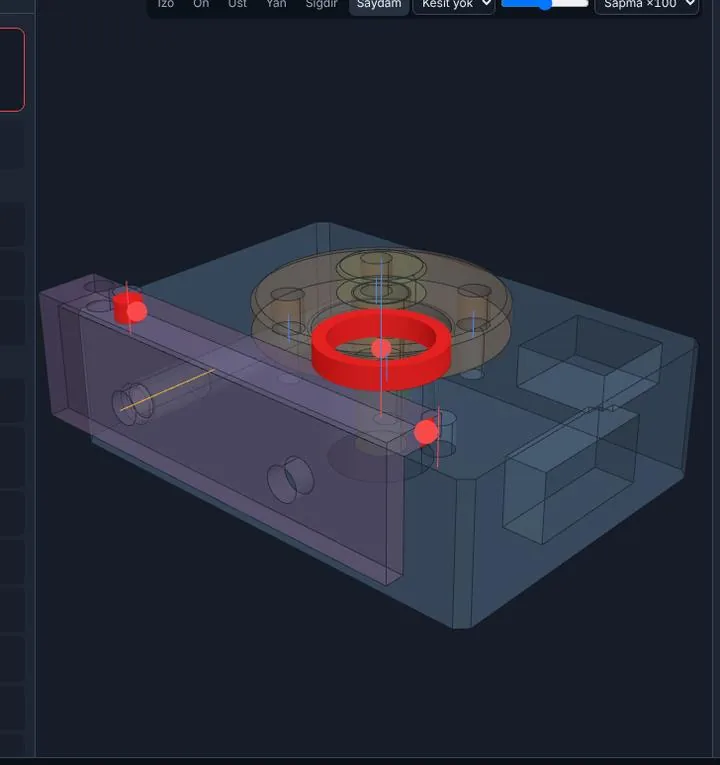
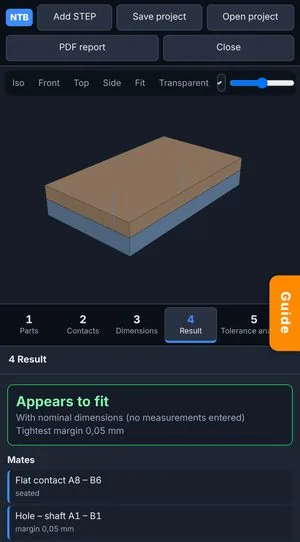
Quality control
Will the measured parts fit in assembly? See interference, tolerance stack-up and its effect.
Open an account, try View →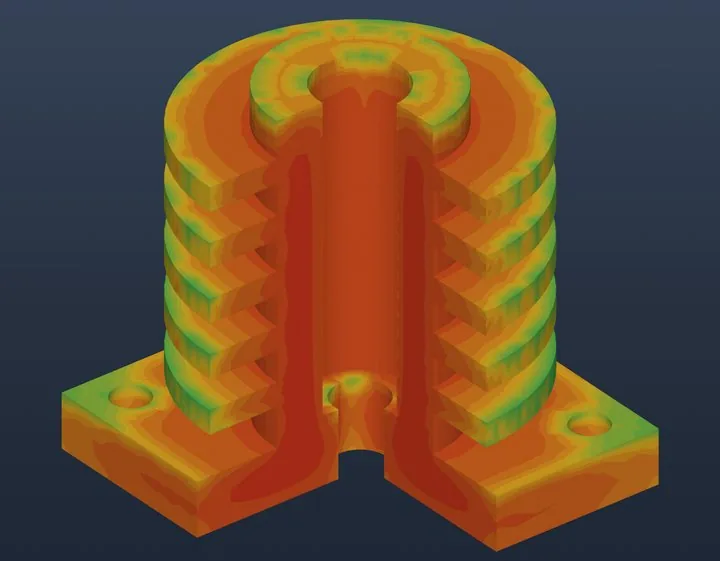
Heat treatment
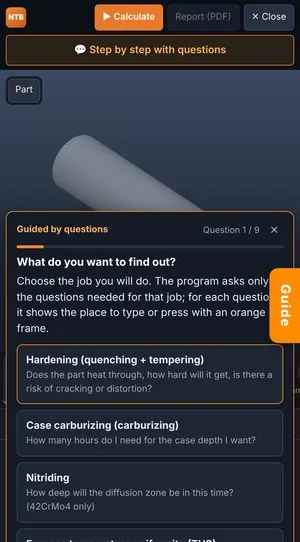
How does the part heat up in the furnace, which region cools late in quenching, what is the estimated hardness?
Open an account, try View →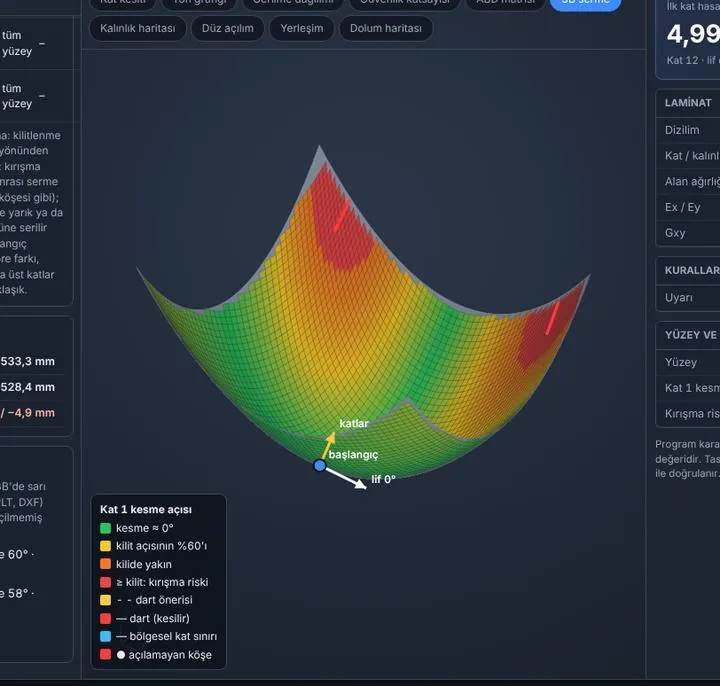
Composites
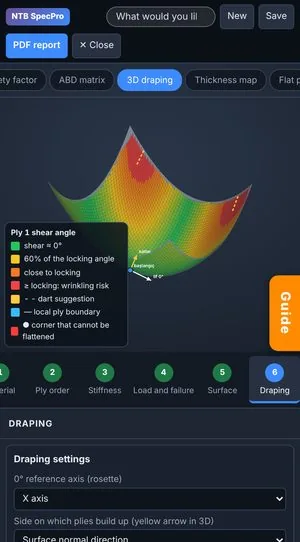
Where may the fabric wrinkle, where does the dart go? See every ply in 3D and get the cutting shape.
Open an account, try View →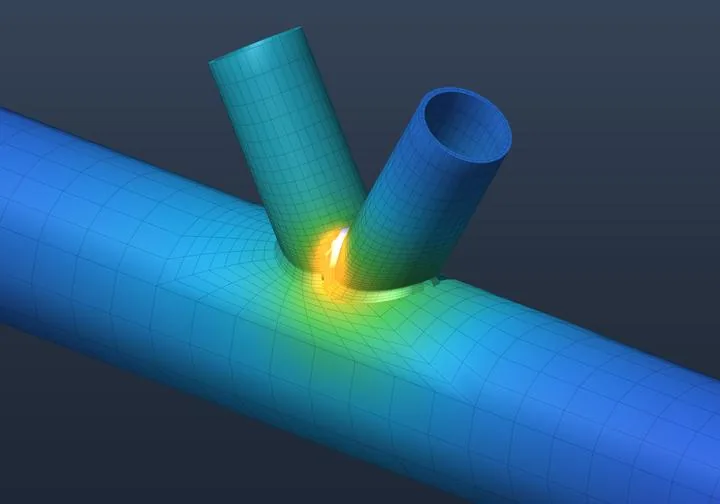
Weld distortion
Follow the heat along the seam; see the estimated distortion and fixture points before welding.
Open an account, try View →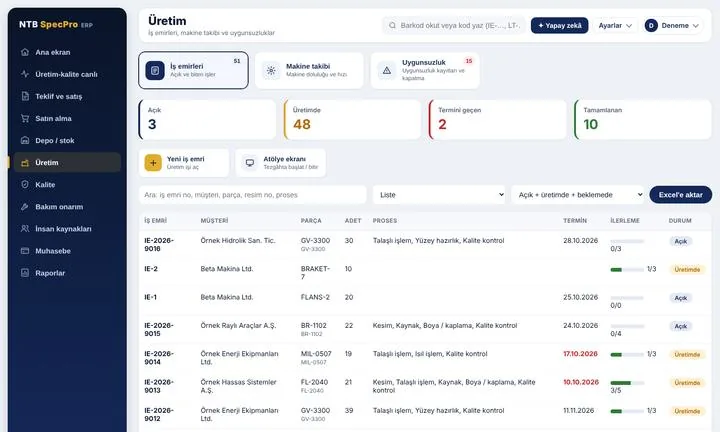
ERP
Quotation, order, work order, stock, purchasing and invoice in one place; data is entered once.
Open an account, try View →Start now
Open your account, choose your module, try it on screen.
Open an account, try it now →